Changelog
This page documents the changes made to Spotlight.
v1.1.*
v1.1.0 - 07/22/2026
YouTube Video:
danger
v1.1.0 has several breaking changes, see the Migration Guide for info on how to upgrade from v1.0.5 → v1.1.0.
Added:
- ACE permissions.
InfernoSpotlight.UseSpotlightcontrols ordinary spotlight use.InfernoSpotlight.Toolcontrols access to the placement/editor tool.
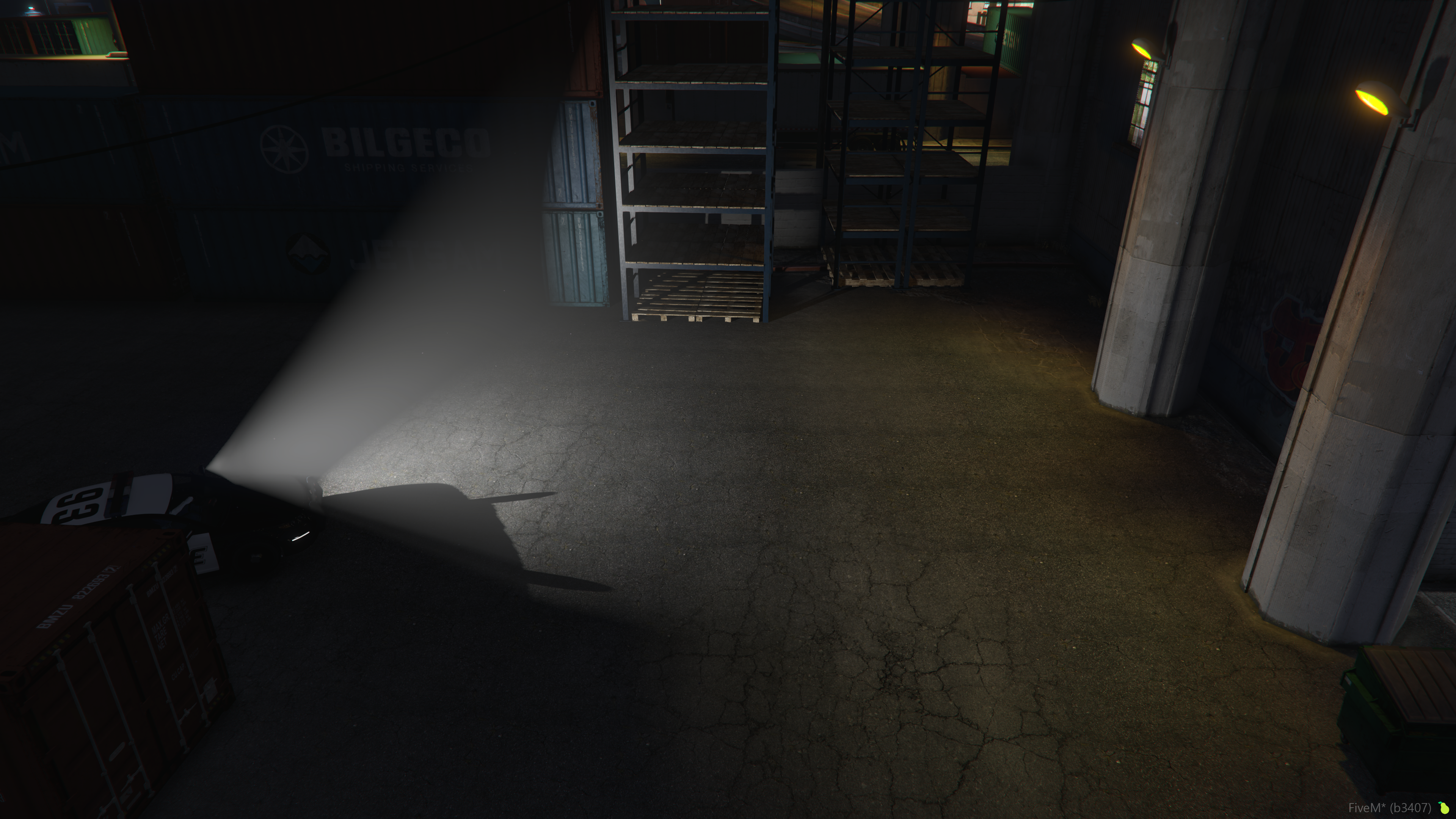
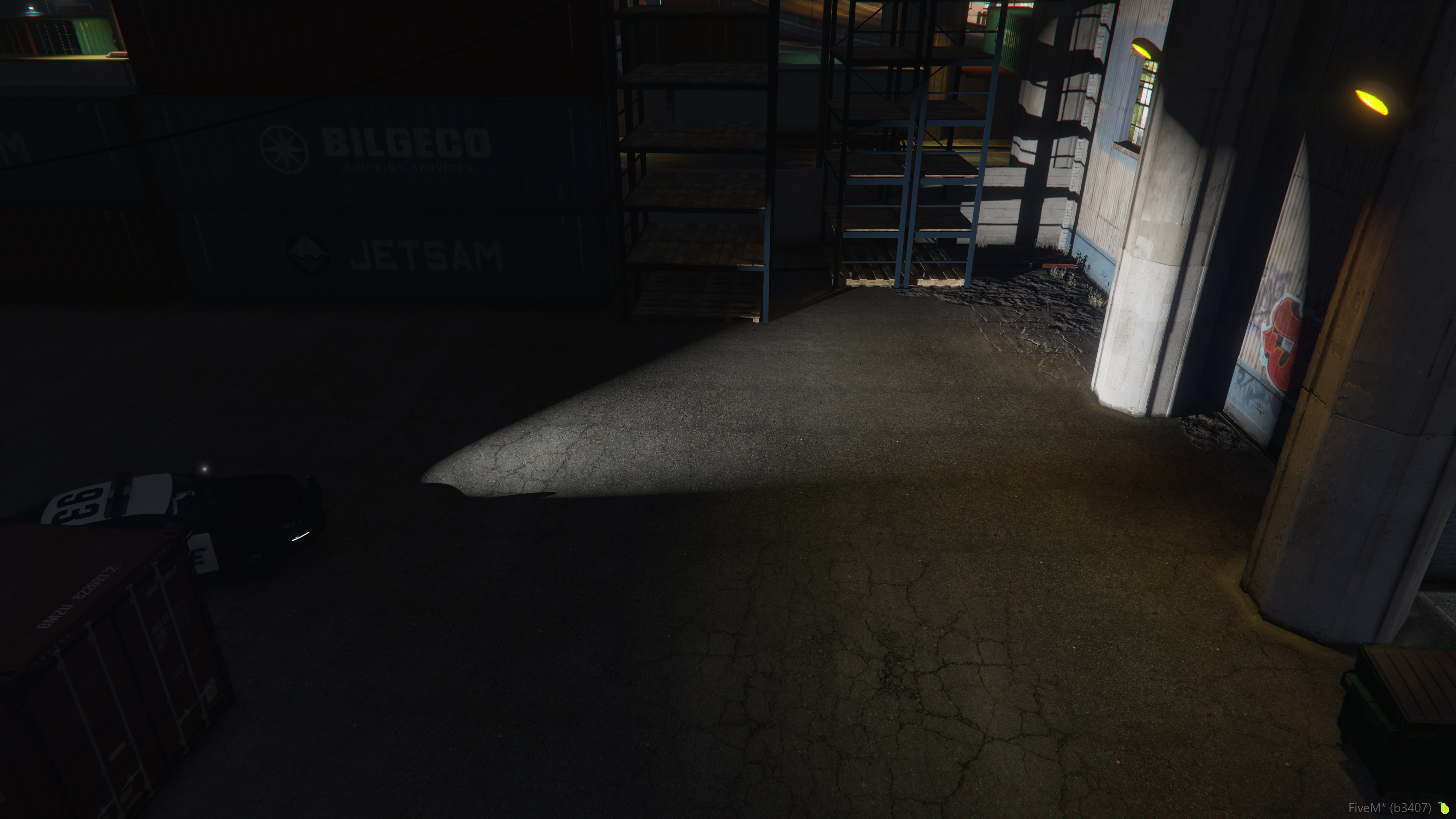
- Volumetric lighting to spotlights.
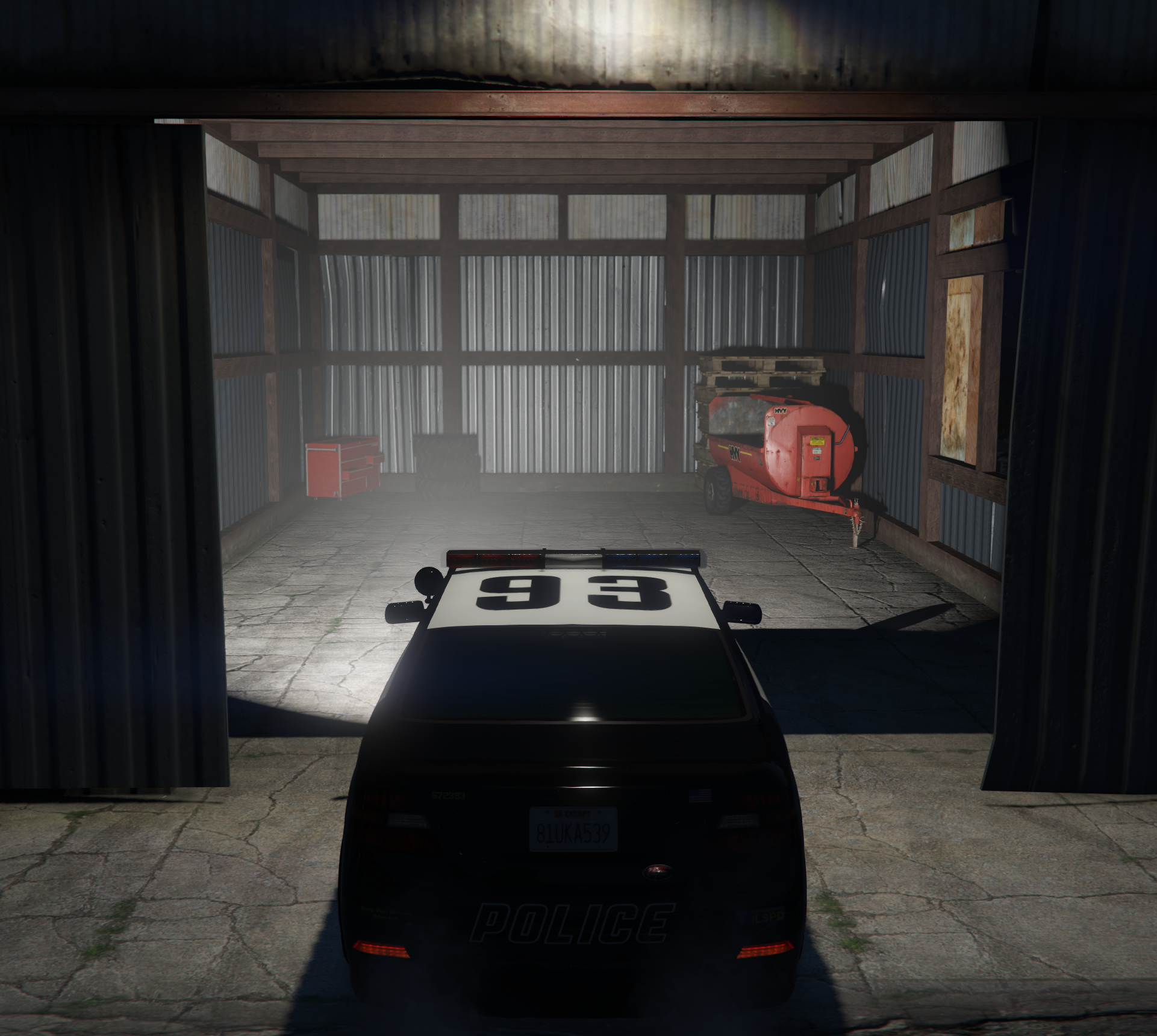
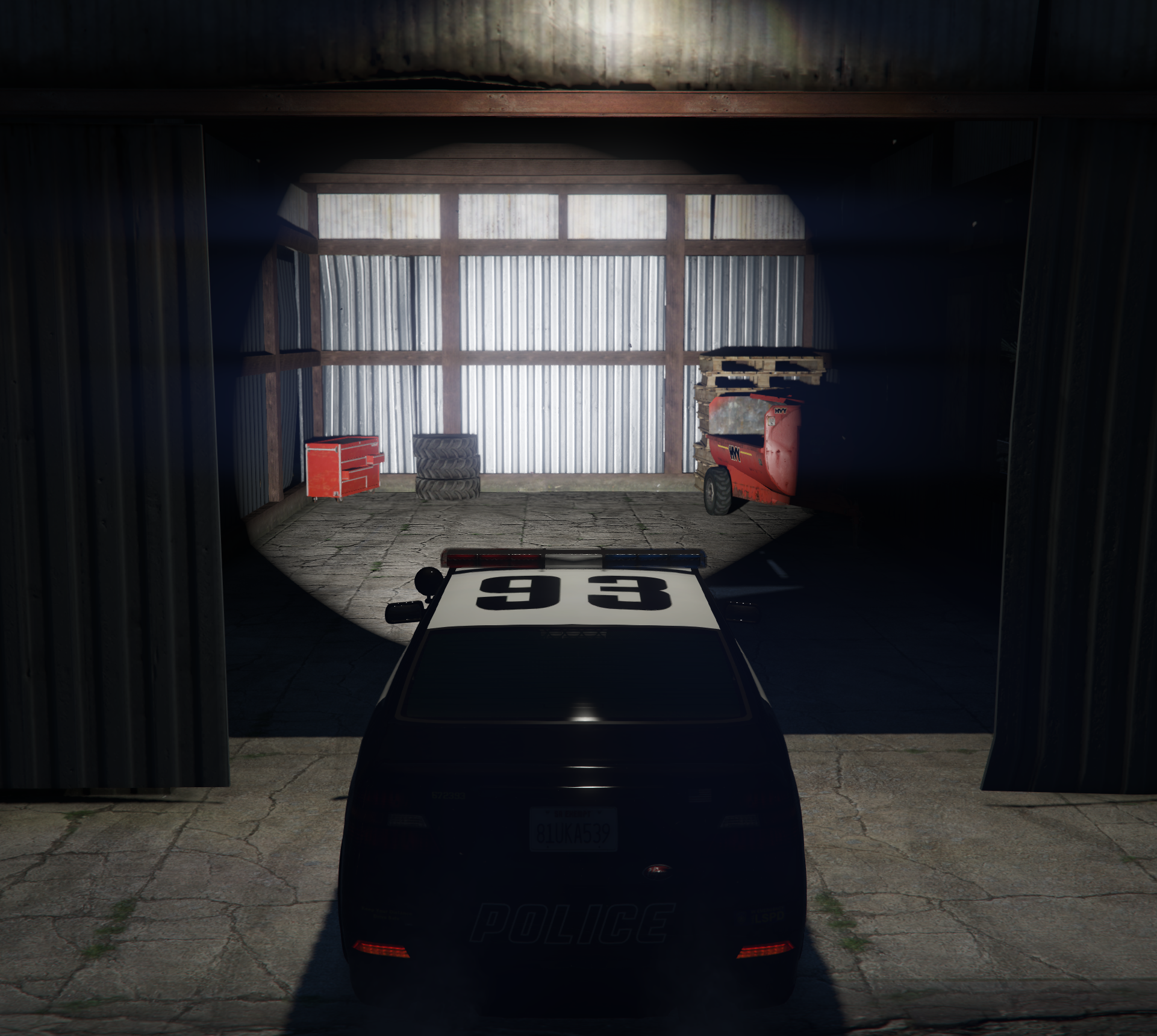
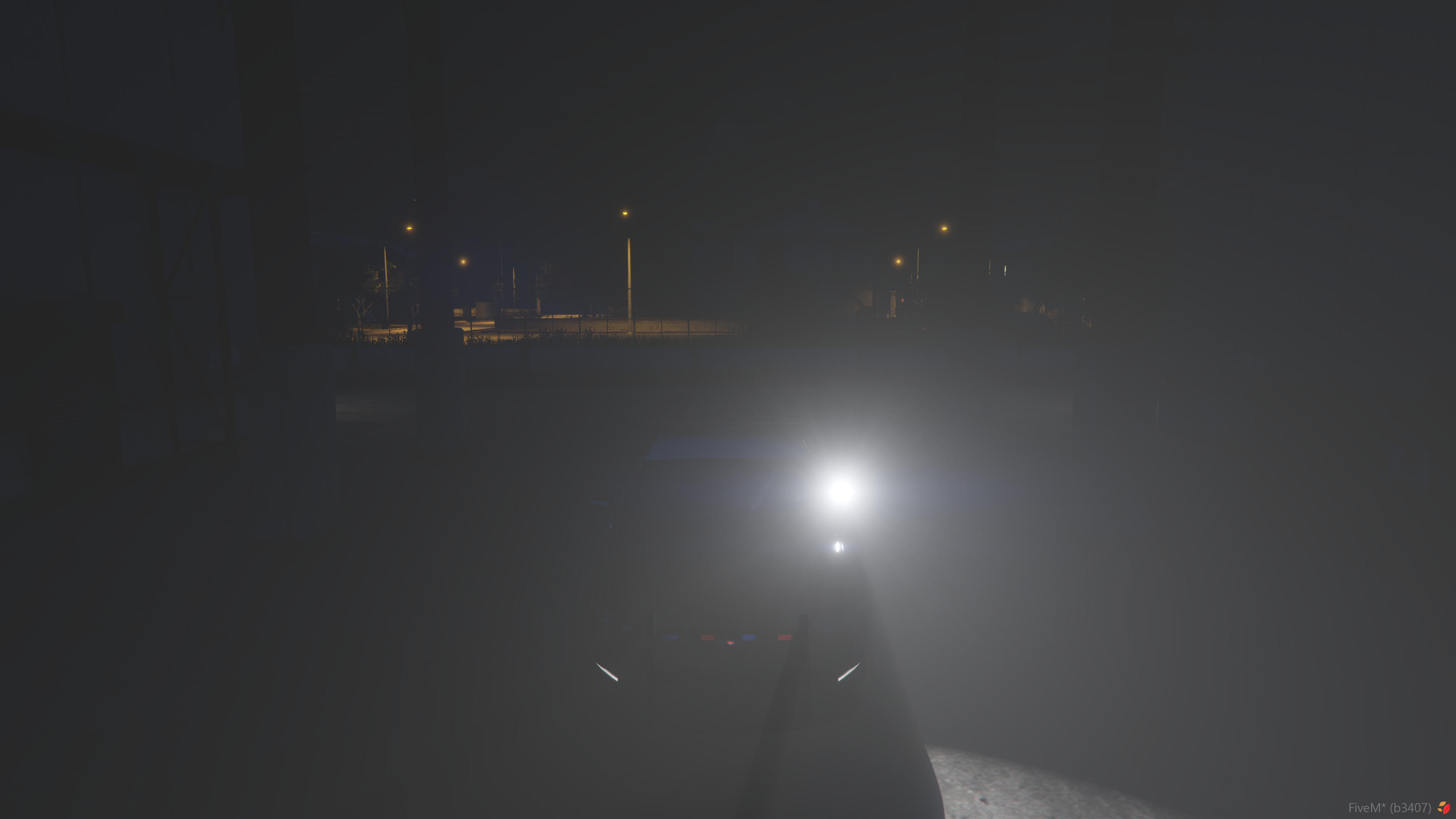
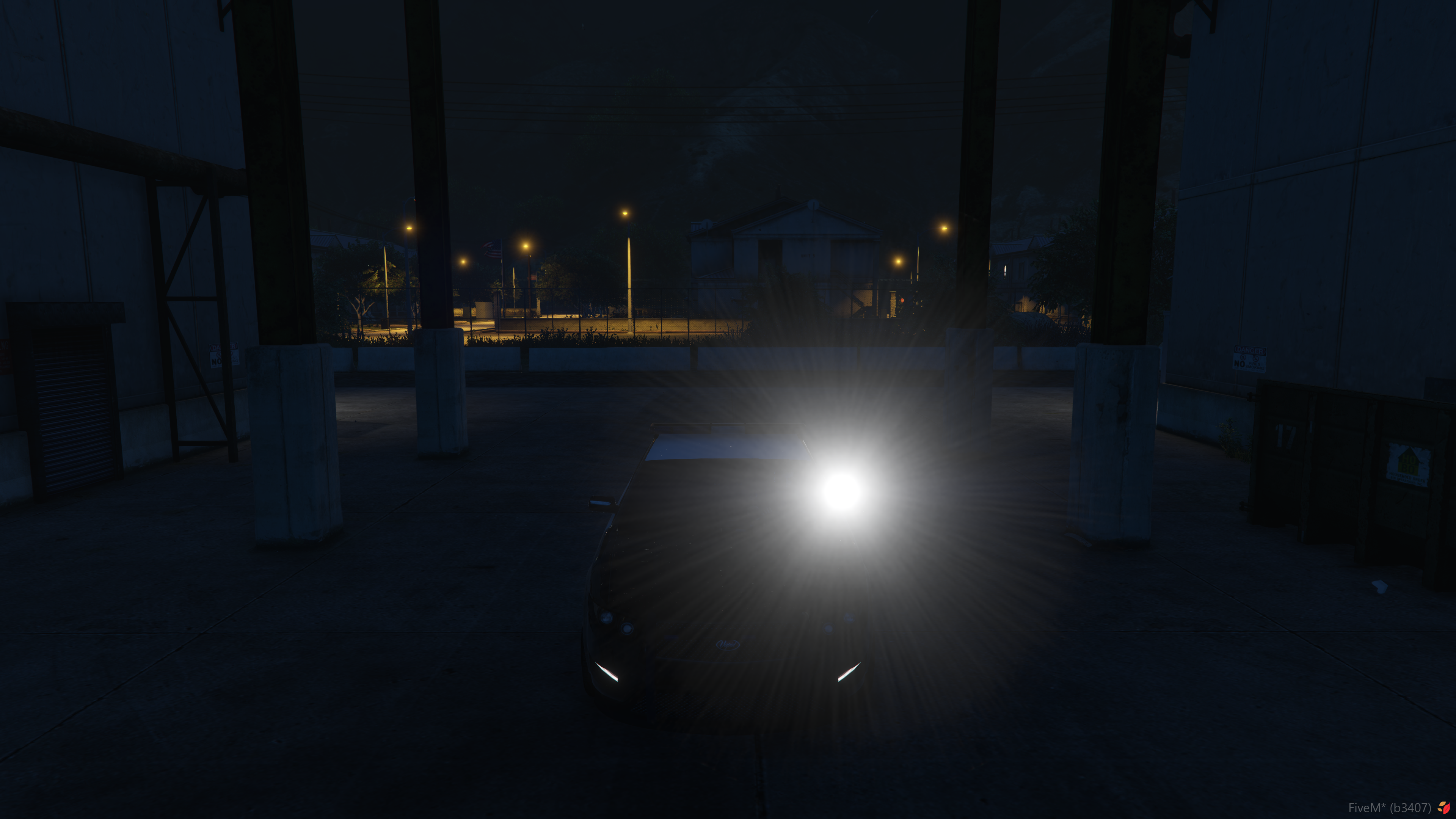
- Multi-language support, see here for more info.

editablechat suggestions undereditable/client/chat.lua.- Ability to aim spotlights up and down, in addition to left and right.
- Smooth spotlight moving when aim changes from one extreme to another.
- I.e., if pointed all the way left, then aimed all the way right, will not smoothly move to new position.
- Complete reworking of in-game Spotlight configuration and placement tool.
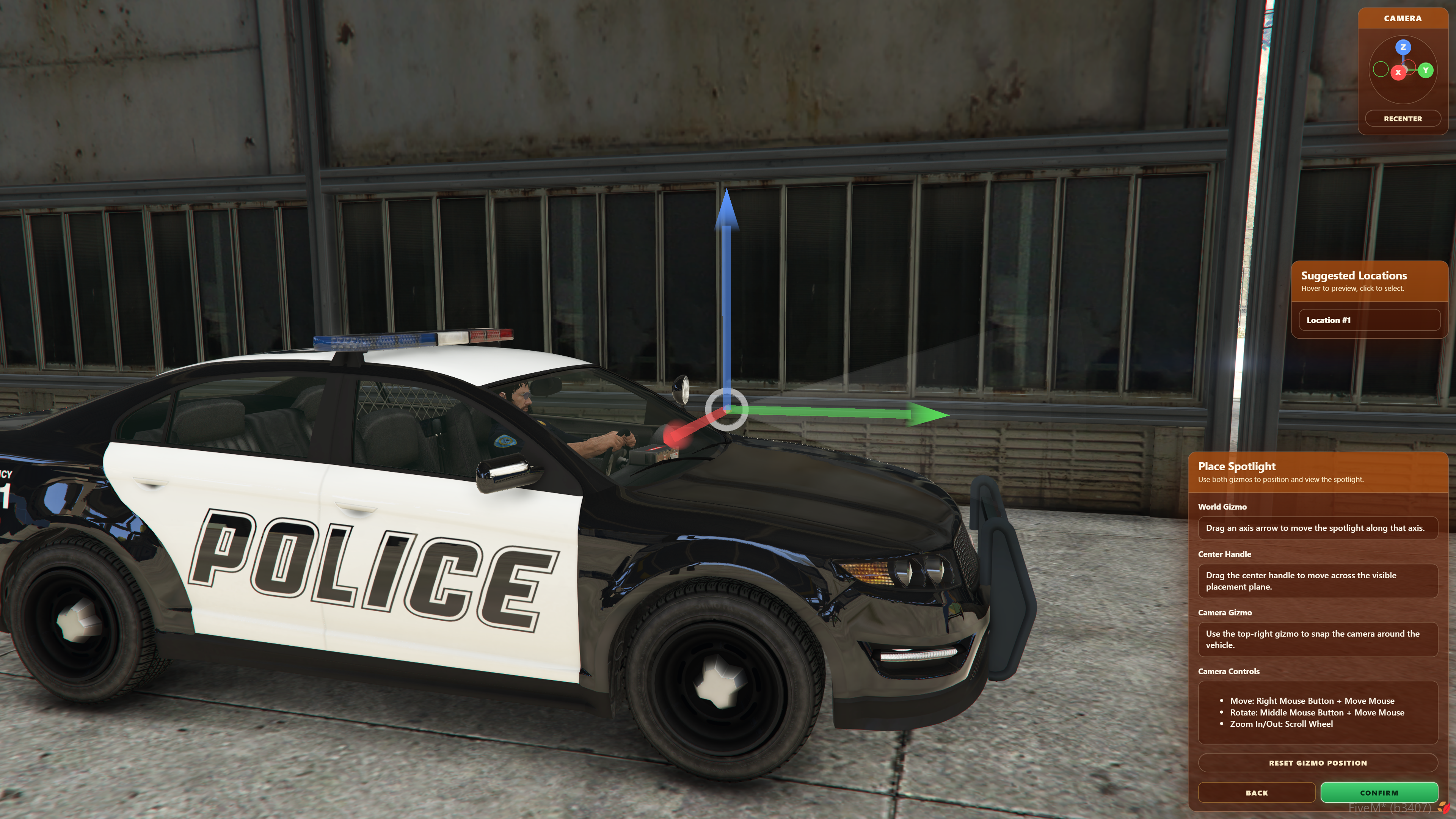
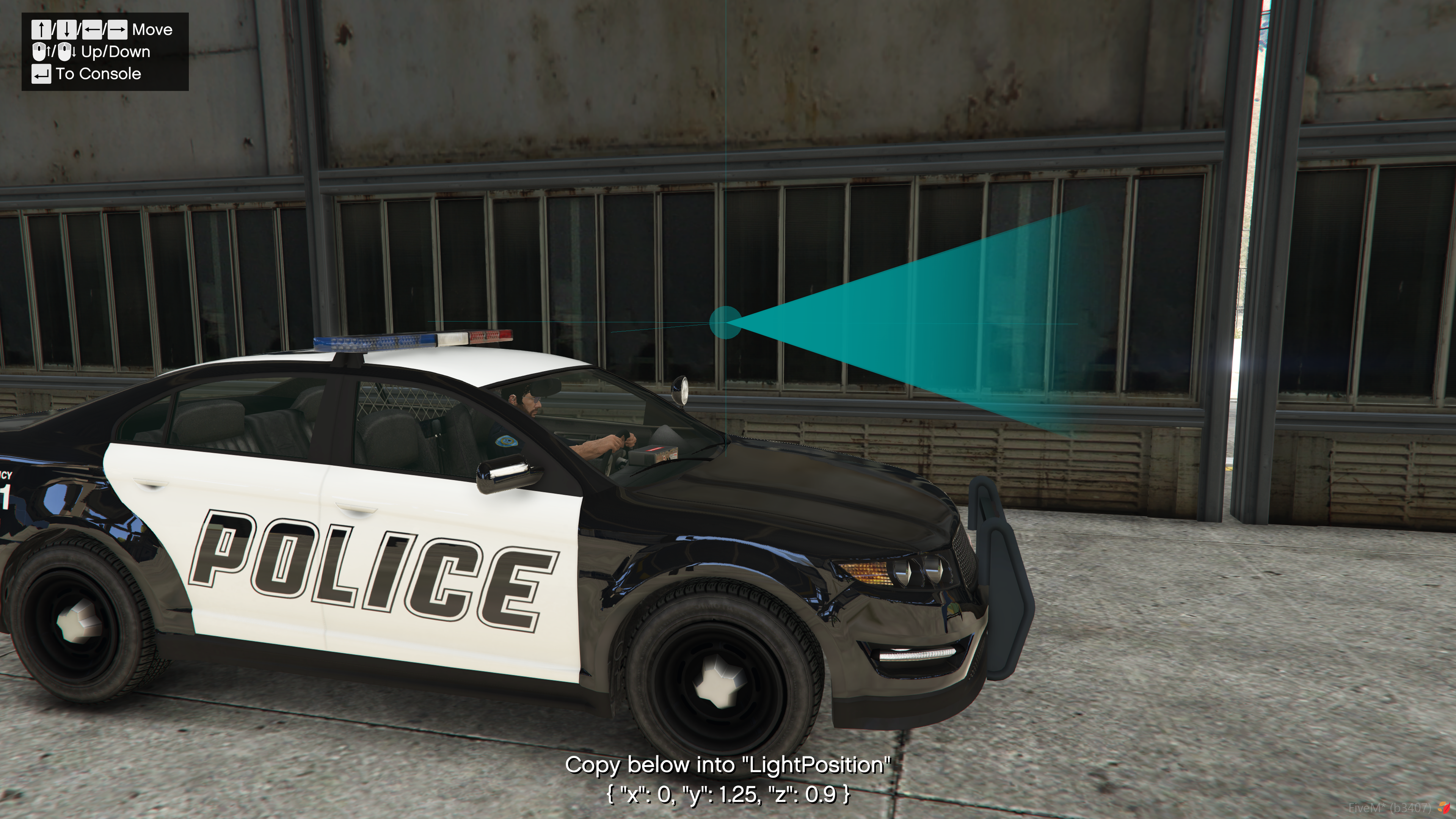
- Supports creating new spotlights and editing existing ones.
- Supports vehicle extras, vehicle modkits, and persistent spotlights.
- Shows a live preview of vehicle extras/modkit variants during setup.
- Interactive 3D placement gizmo for positioning spotlights on vehicles.
- Includes an orbiting editor camera with mouse movement, rotation, zoom, direction snapping, reentering, smooth transitions, and vehicle-relative positioning.
- Suggested spotlight locations can be previewed and selected, based on position of vehicle
extralight_*bones.
- Configurable optional spotlight appearance.
- RGB light color, brightness, radius, fall-off, inner and outer cone, minimum and maximum movement angles, and linking to highbeams.
- Spotlight configuration workflow improvements.
- Save drafts directly to the server (saves to
draft-spotlights.json), or view and copy JSON from in-game. - Load drafts from:
- The live spotlights file (
spotlights.json). - The draft file (
draft-spotlights.json). - Or paste JSON directly in-game.
- The live spotlights file (
- Save drafts directly to the server (saves to
- Config option to disable spotlights on vehicles not defined in
spotlights.json, for more info see here.
Changed:
- Config from JSON to CFG:
- The
config.jsonhas been replaced withconfig.cfg. - Configured spotlights no longer reside in the config, and are now stored in
spotlights.json.
- The
- Improved server-side validation checks to catch cheaters.
- The secondary key is now a configurable FiveM keybind, like the primary key. Its default is
LSHIFT. For more info, see here.
Fixed:
- A vehicle's roll (left/right lean) not being factored into spotlight aim.
- Issue where empty data would be written to entity statebags when it didn't need to be.
- Issue where spotlight position changed after a player who had previously controlled a different spotlight, entered a vehicle with a spotlight enabled by a different player.
Removed:
VehicleSpotlightIgnoresconfig option.- To ignore a vehicle entirely, add it to
ic_spot_ignoredVehicles, otherwise use the Spotlight Tool to add it manually.
- To ignore a vehicle entirely, add it to
VehicleCustomRGBconfig option.- Spotlight colors can now be configured per-vehicle in the Spotlight Tool.
- To define a default color for all vehicles, update
ic_spot_defaultSpotlightConfiguration
v1.0.*
v1.0.5 - 02/03/2026
Added:
- Support for
EnableHighBeamsfor all spotlight types.- Adding
"EnableHighBeams": trueto a config entry will turn on vehicle high beams with the spotlight.- Note: Only works for driver's side spotlights.
- Adding
IgnoredVehicleClassesandIgnoredVehiclesconfig options. See here and here for more info.IgnoredVehicleClassesdisallows listed vehicle classes from using spotlights.IgnoredVehiclesdisallows listed vehicles from using spotlights.
v1.0.4 - 12/05/2025
Added:
- Support for custom spotlight colors with RGB overrides, see here for more info.
- Allows changing the spotlight color with RGB on a per model basis.
- Where no custom color exists, the default spotlight color will be used.
v1.0.3 - 11/21/2025
Added:
- Support for Persistent Spotlights. See here for more info.
- For vehicles that have spotlights permanently modeled, and cannot be toggled with extras or mod kits.
To Consolebutton to the Placement Tool, that pastes the current offset to the F8 Console for easy selection and copying.
Fixed:
- Rounding error in the
Zvalue of the Placement Tool, resulting in values being shown as whole numbers (i.e.1) instead of with decimals (i.e.0.456).
v1.0.2 - 07/29/2025
Added:
- Support for automatic updating of vehicle mod kits on configured vehicles.
- Identical to the feature that sets the correct vehicle extra based on spotlight on/off state, but for mod kits. See here for more info.
- Support for spotlights on mod kits that don't have a spotlight bone of their own.
- Using the new Placement Tool, you can now manually add a spotlight for a vehicle mod kit that doesn't already have a spotlight. See here for more info.
Changed:
/spotlight debugnow also shows relevant vehicle bones alongside spotlight positions.
v1.0.1 - 07/23/2025
Added:
/spotlight debugcommand.- Used to visualize the positions of spotlights on vehicles, and get spotlight indices.
VehicleSpotlightIgnoresconfig option.- Used to tell the resource to ignore specific spotlights on specific vehicles.
v1 - 07/11/2025
Resource release.
YouTube Video: